Best Streaming Setup Under $200 (2026): PC and Console Builds
A real streaming setup under $200: the mic, webcam and light we would buy for PC, the console build, the free software, and where to save your money.

Last updated: November 4, 2026
Heads up: some links here are affiliate links. If you buy through them, 2nd Shift may earn a small commission at no extra cost to you. Learn more.
You don't need a $1,000 desk to start streaming. You need viewers to hear you clearly, see you decently, and not watch you sit in the dark. The best streaming setup under $200 is a dynamic USB mic, a 1080p webcam and one small light, running on free software. That's it. Here's exactly what we'd buy, in the order we'd buy it, for PC and for console.
We pulled from current reviews and manufacturer specs. Prices move constantly, especially this close to Black Friday, so treat every number as approximate and check before you buy.
Quick picks
- Microphone: FIFINE AM8 (around $55 to $60)
- Webcam: Logitech C920s (around $60 to $70)
- Light: Logitech Litra Glow (around $60)
- Console capture card: Elgato Game Capture Neo (around $130)
- Software: OBS Studio (free)
The $200 PC build
If you already game on a PC, this is the whole shopping list. It comes to around $190, and the order matters: audio first, light second, camera last. People will forgive a soft picture long before they forgive bad audio.
1. FIFINE AM8: the mic
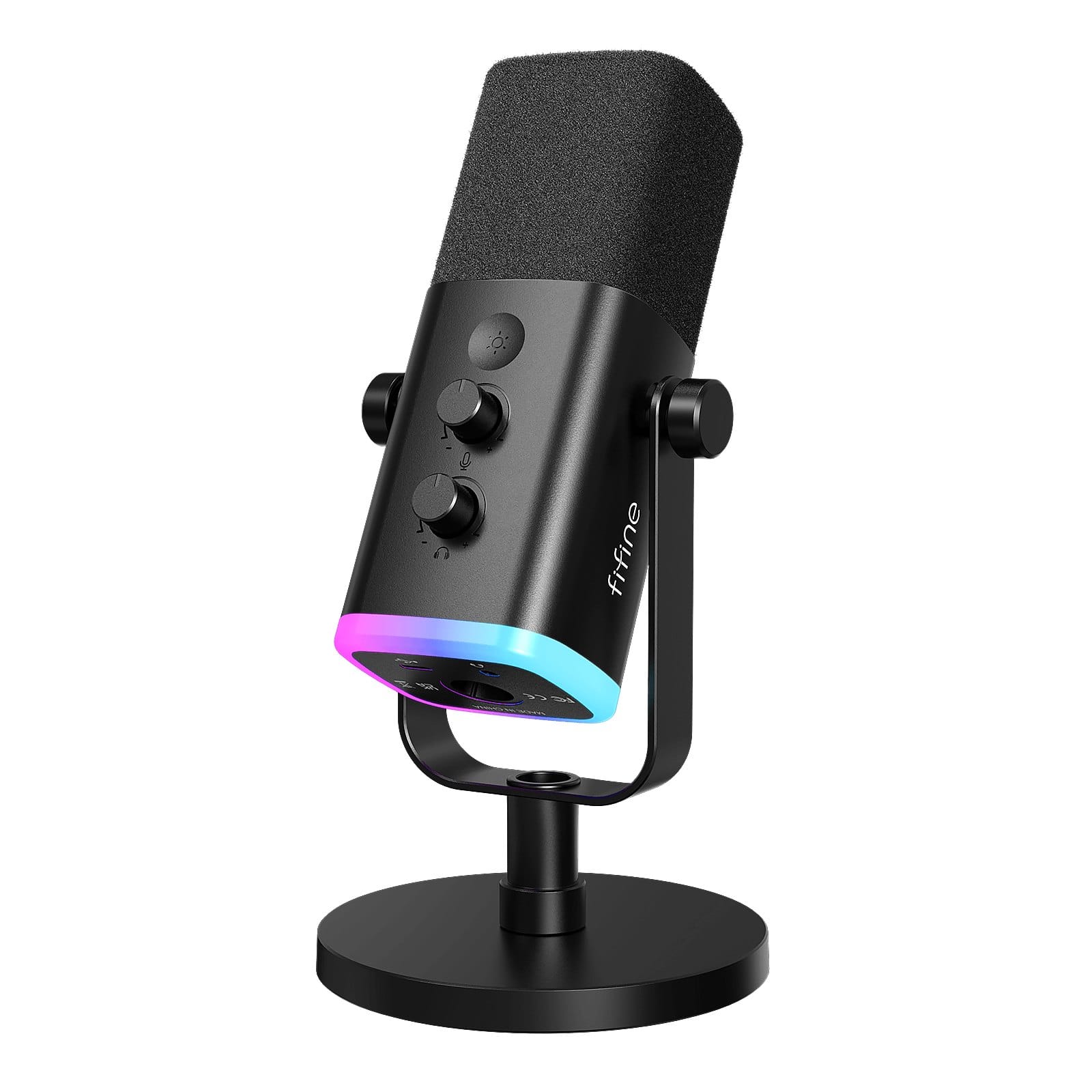
The one piece of gear here that does the most for your stream. It's a dynamic mic, so it's built to sit close to your mouth, and FIFINE recommends 2 to 6 inches. It connects over USB today and XLR later, with both cables in the box, so it won't be the thing you replace if you ever buy a mixer. TechPowerUp called it a capable dynamic mic at a modest price.
- Works with: PC, PS4 and PS5 over USB
- You get: desk stand, windscreen, gain knob, touch mute, headphone jack
- Catch: gain, RGB and the headphone jack only work over USB
2. Logitech C920s: the webcam
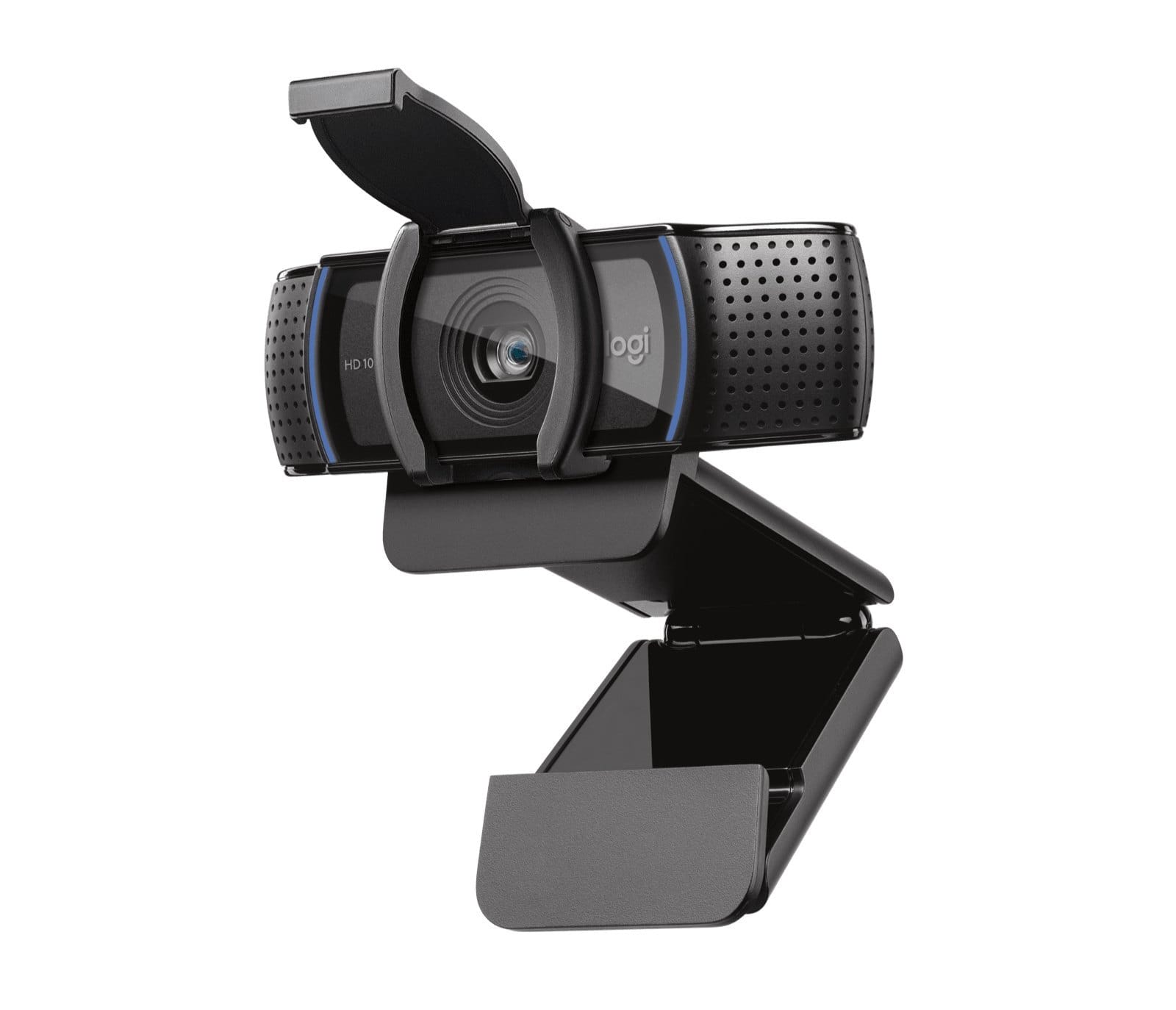
Old, boring, still the right answer. TechRadar's cheap webcam guide still has it as the best overall pick, citing the sturdy build, autofocus and sharp picture. You also get a privacy shutter, which matters if the camera lives on your work-from-home desk too. Logitech lists it at $69.99, and it often sells for less.
- Video: 1080p at 30fps
- Catch: 30fps is the limit and there's no field-of-view control
3. Logitech Litra Glow: the light
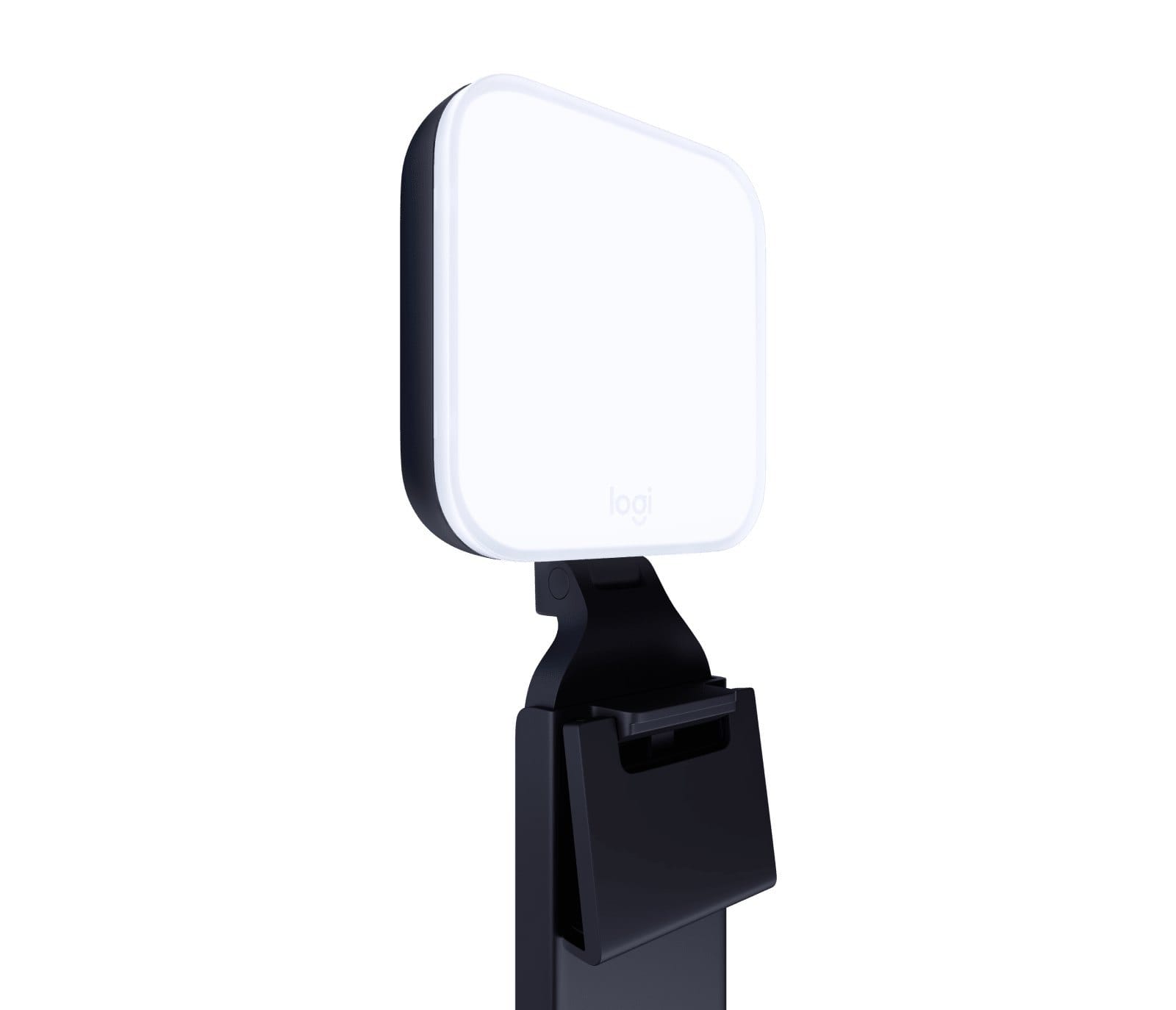
If you stream after work, you're lighting yourself at 11 PM with whatever's in the room, and that's what makes a cheap webcam look cheap. The Litra Glow clips to your monitor and runs over USB-C. GamesRadar liked it as a simple, affordable, punchy panel. Its claimed 250 lumens isn't the brightest out there, but it was enough for their setup, and you can shift from warm to cool on the buttons.
- Catch: the cable is short and stiff, so plan your USB port
The $200 console build
Two things to know first. You can already go live for free from a console. On PS5, press Create, pick Broadcast, and stream to Twitch or YouTube at up to 1080p60. Xbox Series X|S has Twitch streaming built in too. The tradeoff, per Elgato's PS5 walkthrough, is no overlays, no scene switching and basic audio, and regular USB webcams don't work on PS5.
If you want a real stream layout, you need a capture card and a PC or laptop to run it. This one doesn't work without a computer.
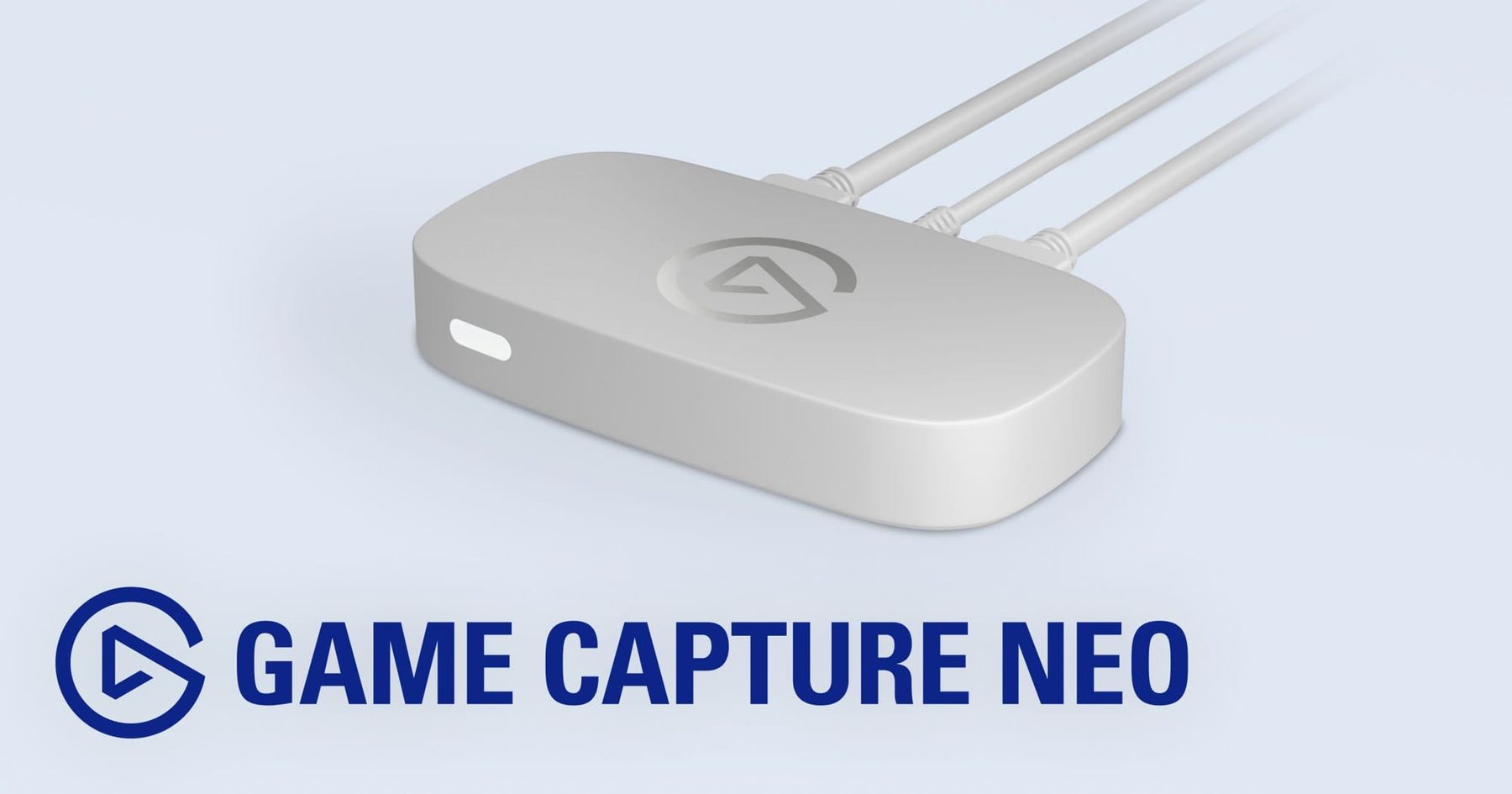
Elgato Game Capture Neo
The cleanest beginner option at around $130. It captures at up to 1080p60 and passes through up to 4K60 HDR to your TV, so your game still looks right while you stream. It's powered over USB-C. Niche Gamer gave it 8/10 as a strong entry-level card. Pair it with the AM8 for around $190.
- Catch: no 4K or HDR recording, no 3.5mm audio jacks
How to spend less than $200
- Skip the webcam. Use your phone with Camo or VDO.Ninja. Streams Charts argues recent phone sensors beat almost any $100 webcam. A cheap tripod is around $15.
- Skip the light, for now. Point a desk lamp at a wall in front of you. It's not pretty, but it beats screen glow.
- Buy a cheaper mic. PC Gamer's budget pick is the Amazon Basics USB Condenser Microphone, under $30. Condensers hear more of your room, so keep it close.
- Stream camera-off. Plenty of channels do. Mic first, always.
The free software stack
- OBS Studio: the standard, and free.
- NVIDIA Broadcast: free AI noise removal, for RTX cards only.
- Bitrate: 1080p60 tops out around 6,000 kbps and 720p60 sits around 4,500 kbps. Run a test stream first. A steady 720p beats a stuttering 1080p.
Wear a headset so your game audio doesn't bleed into the mic. If you need one, our best gaming headsets guide has a pick around $50. Then build the home base: our Discord bots guide covers what's worth running, and our Discord overlay fixes will save you a headache mid-stream. Shopping for someone else? Hit the best gifts for gamers.
Related reading: Sam Altman Says Your PC's RAM Is 'Quite Terrible': RAM Prices Now · ElevenLabs Eleven Realtime: AI Voices That Answer in Half a Second
FAQ
Can you start streaming for free?
Yes. OBS Studio is free, PS5 and Xbox Series X|S can go live with no extra gear, and your phone can stand in as a webcam.
What should I buy first for streaming?
The mic. Clear audio does more for a new stream than a better camera, and a USB dynamic mic like the FIFINE AM8 is around $55 to $60.
Do I need a capture card to stream?
Not on PC, and not for a basic console stream. You only need one to run console gameplay through a PC for overlays and scenes.
Is 720p good enough for Twitch?
Yes. If your upload is shaky, 720p60 at around 4,500 kbps will look better than an unstable 1080p stream.
How do I become a Twitch Affiliate?
Twitch's current bar is reported as 25 followers, 4 hours streamed, 4 stream days and 3 average viewers in 30 days. Your Creator Dashboard shows your live progress.
The 2nd Shift take
Buy the mic this week, go live with your phone, and stream ten times before you spend another dollar. New streamers don't quit because their camera was 30fps. They quit because they spent weeks shopping and never hit Go Live. If you only get two hours a night, that's fine. Pick your nights and stick to them.
Not sure what kind of creator you are yet? Take the CRAFTR Quiz. And if you want a low-pressure game for your first streams, Grow a Monster on Roblox is an easy one to play with chat.
Want feedback on your first stream, or people to squad up with? Pull up to the 2nd Shift Discord, and check out the Night Shift Crew if you want to go deeper.
Sources: TechRadar, PC Gamer, GamesRadar, TechPowerUp, Niche Gamer, FIFINE, Logitech, Elgato, Elgato PS5 guide, Twitch Creator Camp, Streams Charts, Castr, HowSociable.
The week's biggest games, releases and fixes in one email. Free, once a week.